• mac screenshot 1
  • mac screenshot 2
  • mac screenshot 3
  • mac screenshot 4
  • mac screenshot 5

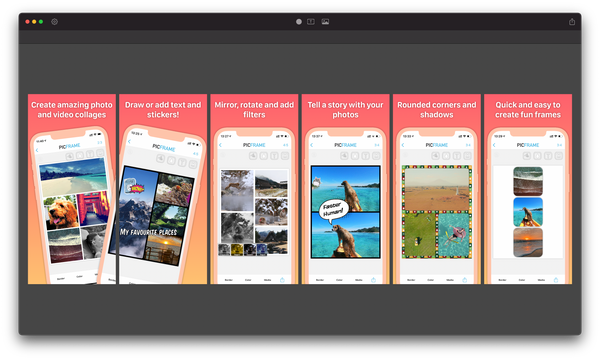
PicFrame helps you combine multiple photos into amazing looking frames that you can save to your computer or share to Facebook. With 71 adjustable frames, support for up to 9 photos in a single frame, rounded corners and plenty of border patterns, you will always have a unique look.

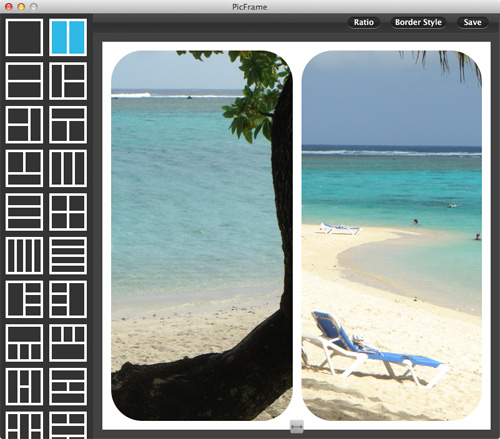
PicFrame on the Mac is easy to use, select a frame, drag and drop your photos in, tweak the border size, give the photos rounded corners, add a color or pattern, resize the adjustable frames and save the photo or share it to Facebook, Twitter and Flickr.

Feature List

  • 71 fully adjustable frames – drag the borders between each photo for endless customization
  • Support for up to 9 photos
  • Save your work in progress as a PicFrame project file
  • Rounded corners
  • Change the border size
  • Zoom and drag the photos around
  • Easy color picker for border color
  • Multiple patterns to use for the border
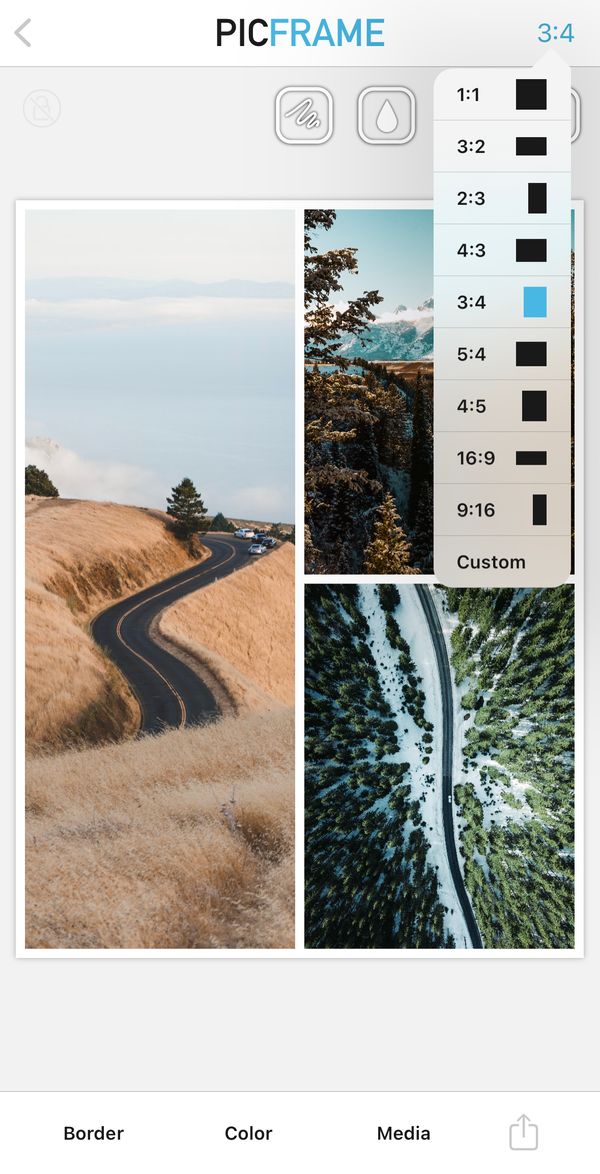
  • Ratios 1:1, 3:2, 2:3, 4:3, 3:4, 16:9
  • High resolution (Up to 3264×3264)
  • Share to Facebook, Twitter and Flickr (requires OS X 10.8 or newer)
  • Drag and drop photos into the frame