Introducing Bloomwash: real watercolor on your iPad
Bloomwash is out. It is a watercolor app for iPad and iPhone, and it behaves like the real thing.
Most painting apps give you a watercolor brush. It looks the part at first, then you notice the paint never moves. Bloomwash takes a different route. Every stroke runs through a simulation of water and pigment on paper. The paint spreads, pools, granulates and dries the way it does on a real sheet. You are not applying a filter. You are laying down wet paint and watching what it does.
Download Bloomwash on the App Store
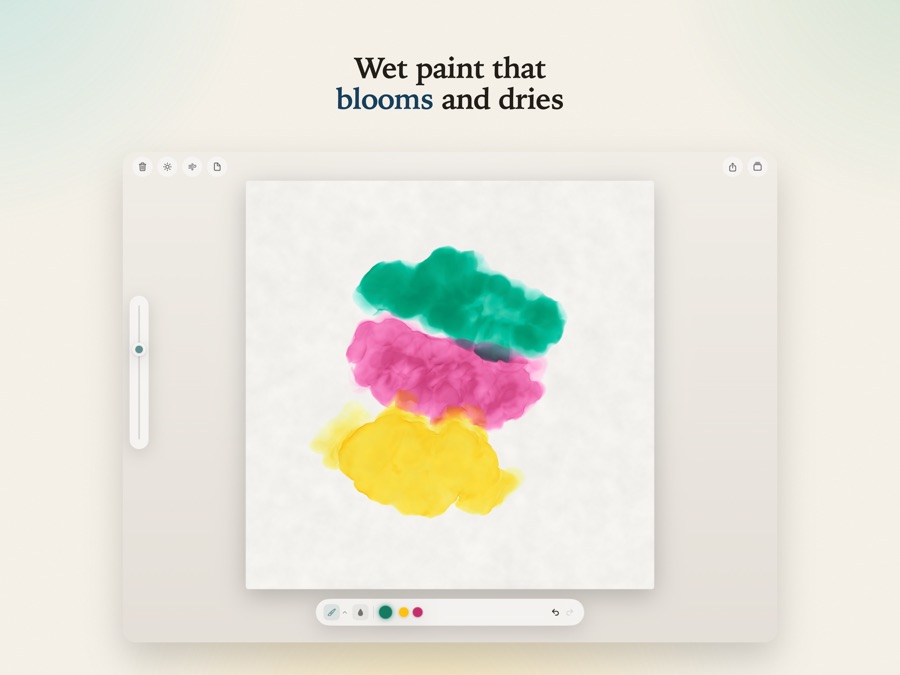
Wet paint that moves
Load the brush with water and color, lay a wash, and the pigment settles into the tooth of the paper. Touch a wetter brush into a damp area and it blooms outward. Let two colors meet while they are still wet and they bleed into one another. Come back with a drier brush and the stroke breaks over the grain.
None of this is scripted. It falls out of the simulation, the same way it falls out of real water and real pigment. That is the whole idea.
Real pigments, real paper
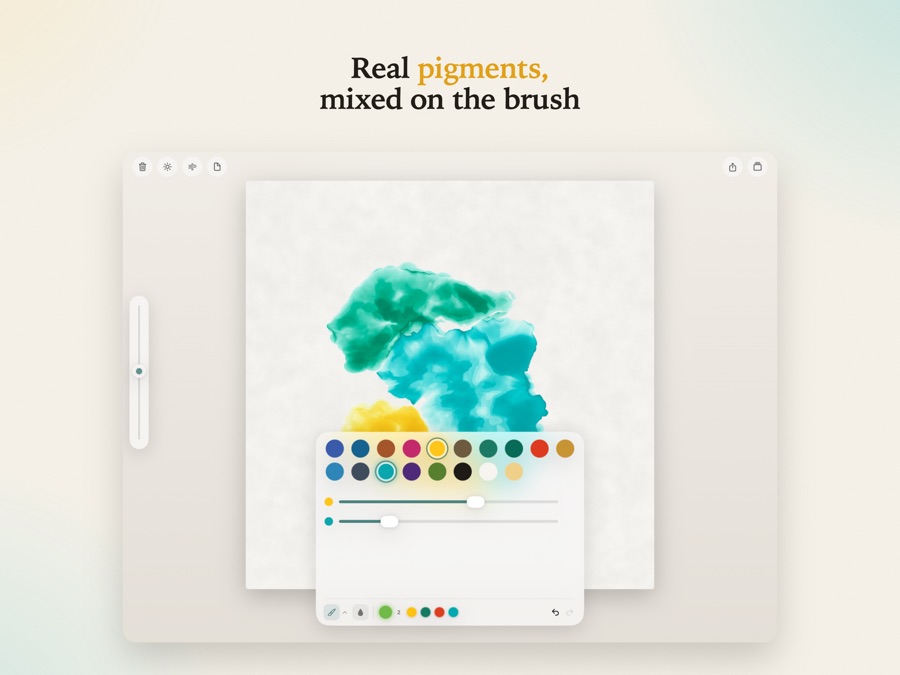
Colors come from a palette of watercolors and opaque gouache, and you mix them on the brush. The recents strip keeps the last few you used within reach.
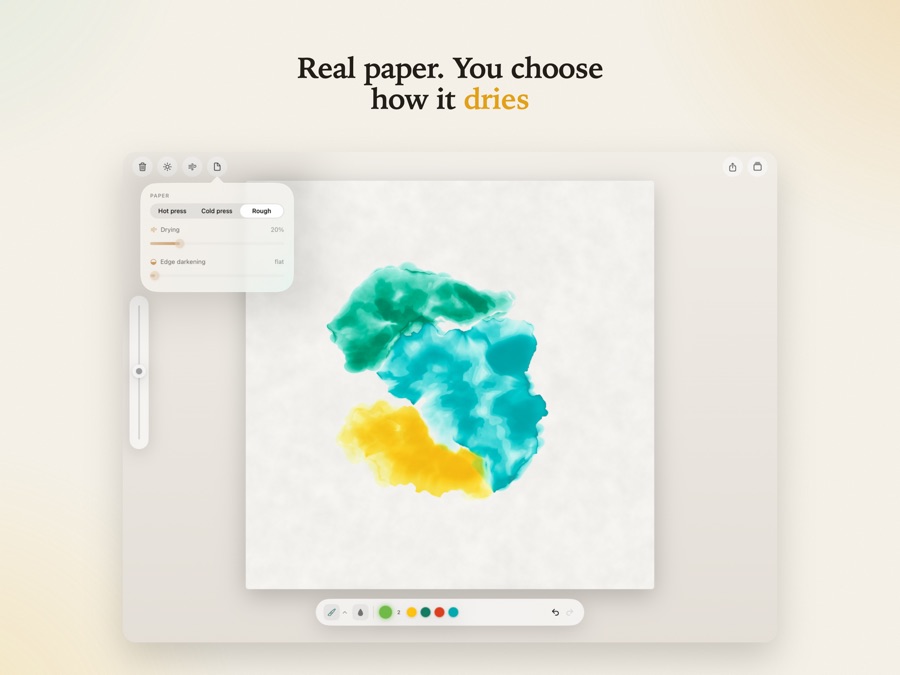
You choose the sheet too. Hot press is smooth. Cold press has a gentle tooth. Rough gives you heavy texture that a dry brush skips across. Sliders set the drying speed and how dark the edges go as a wash dries, so you can work fast and loose or slow and careful.
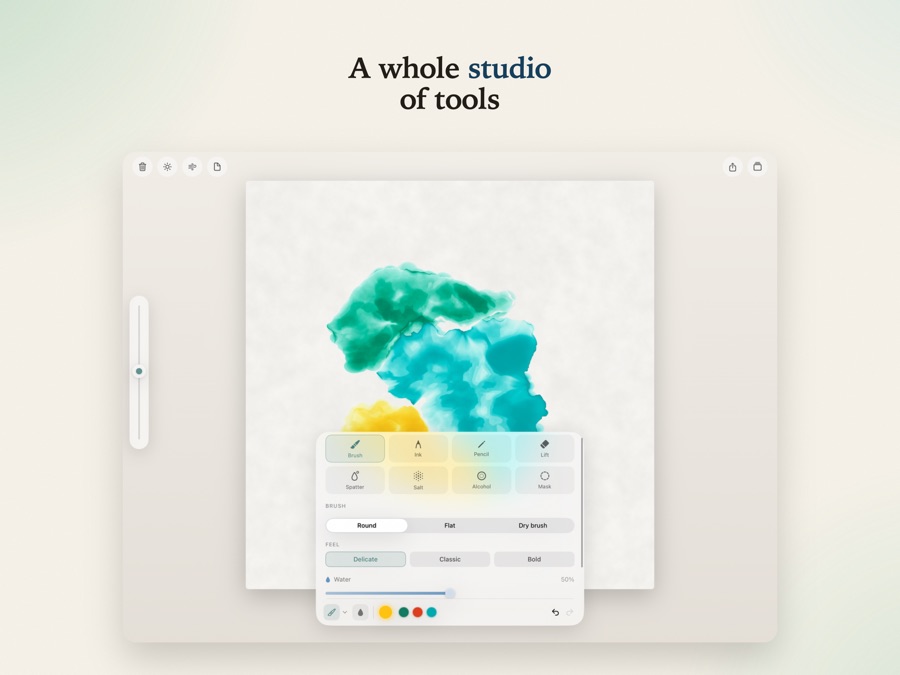
A whole studio of tools
- Brush in round, flat and dry brush shapes. Apple Pencil pressure and tilt shape the mark, or paint with a finger.
- Masking fluid to reserve the white of the paper. Wash freely over the top, then lift the mask to uncover clean, untouched shapes.
- Lift to pull color back out of a wet wash.
- Spatter, salt and alcohol for texture, and drops of clean water for backruns.
- Ink and pencil for line work alongside the paint.
- Feel presets. Delicate, Classic or Bold in one tap, or set water, paint, drying and edge darkening yourself.
My favorite detail: you can hold the sheet up to the light and read the paint from behind, the way you would check a painting against a window.
Yours alone
Bloomwash runs entirely on your device. There is no account to create and nothing to sign in to. Your paintings sit in a gallery on your iPad, and you can export a finished piece or a timelapse of how it came together.
Who it is for
If you already paint, Bloomwash is a way to sketch without setting out water, paper and a rag. If you have never tried watercolor, it is a gentle place to start, with none of the mess and all of the surprise.
Bloomwash is free on the App Store for iPad and iPhone. It needs iOS 26 or later.
Download Bloomwash on the App Store
There is more about the app, plus help and an FAQ, at bloomwash.app.