PicFrame Is Back on Android

PicFrame has been framing photos since 2011, and Android users have been asking for a proper version for almost as long. It's here. PicFrame for Android is out now on Google Play, rebuilt from the ground up, and free to download.
This isn't a port of the old app. It's a fresh, native Android app built on the same frame library as PicFrame for iPhone, so every layout is the real thing, right down to the draggable dividers.
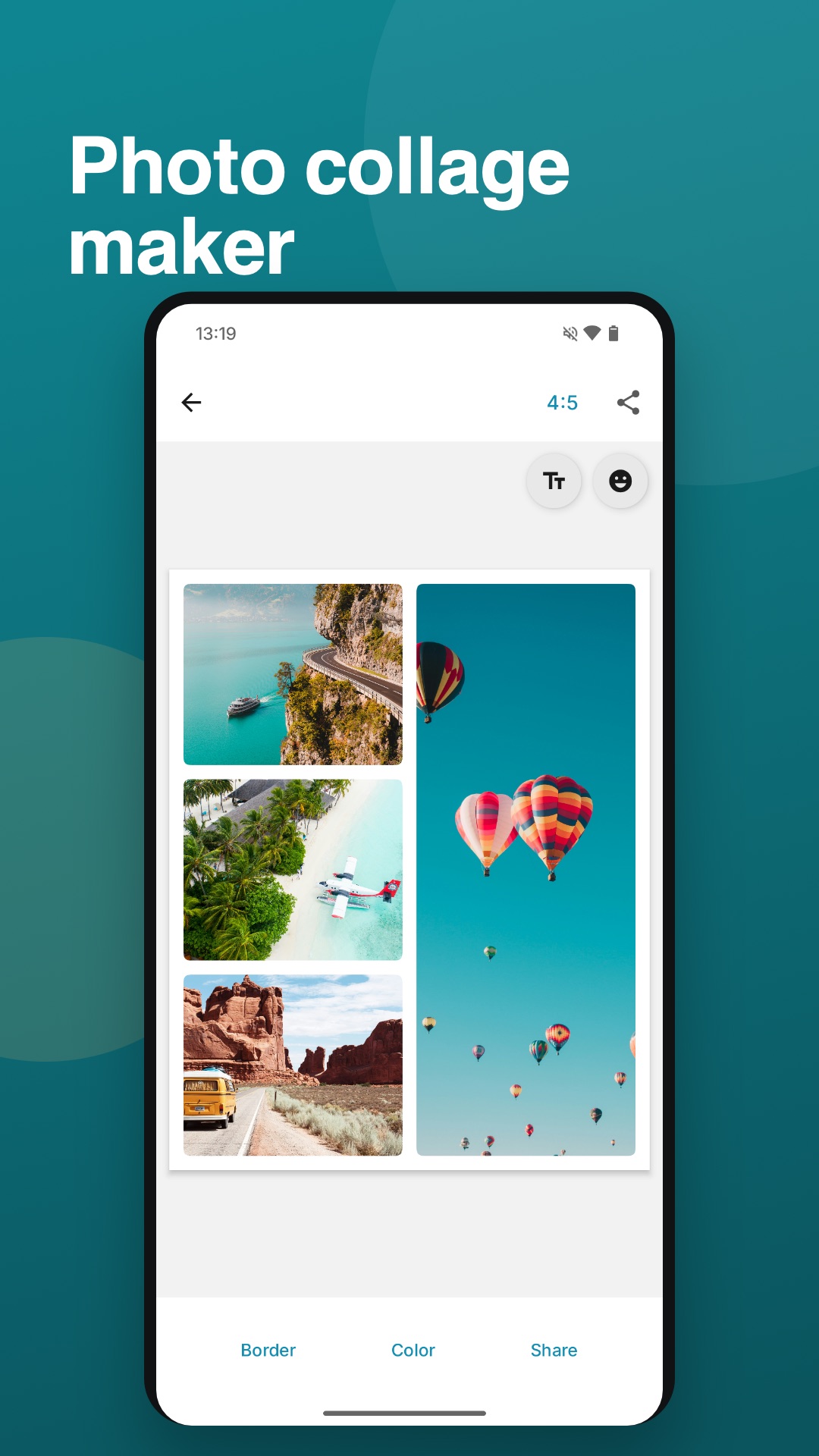
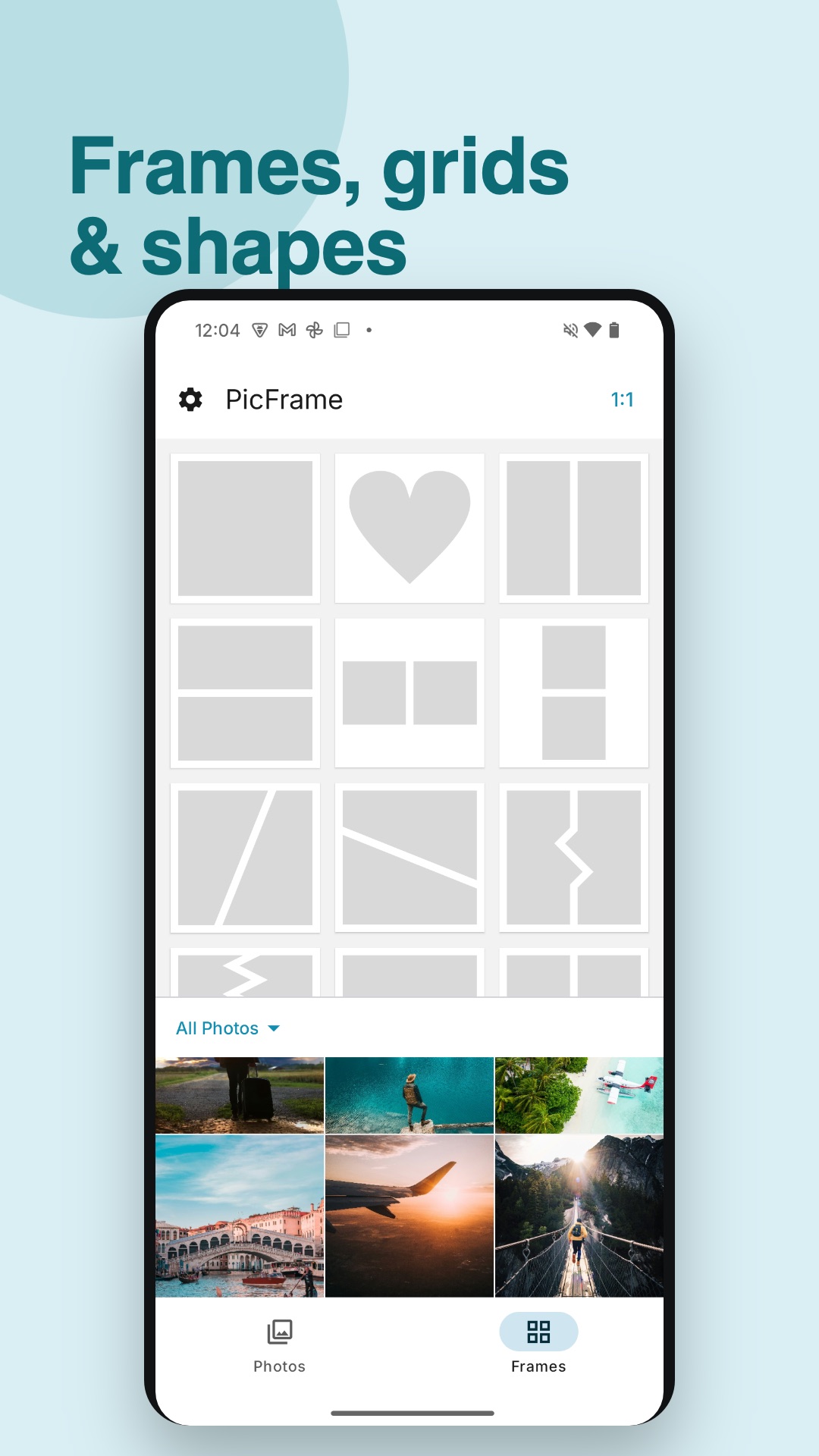
The frames you came for
Over 100 adjustable layouts and photo grids, holding up to 16 photos in a single collage. Drag the lines between photos to resize the layout, and pinch to zoom, pan, rotate or mirror every photo until it sits just right.
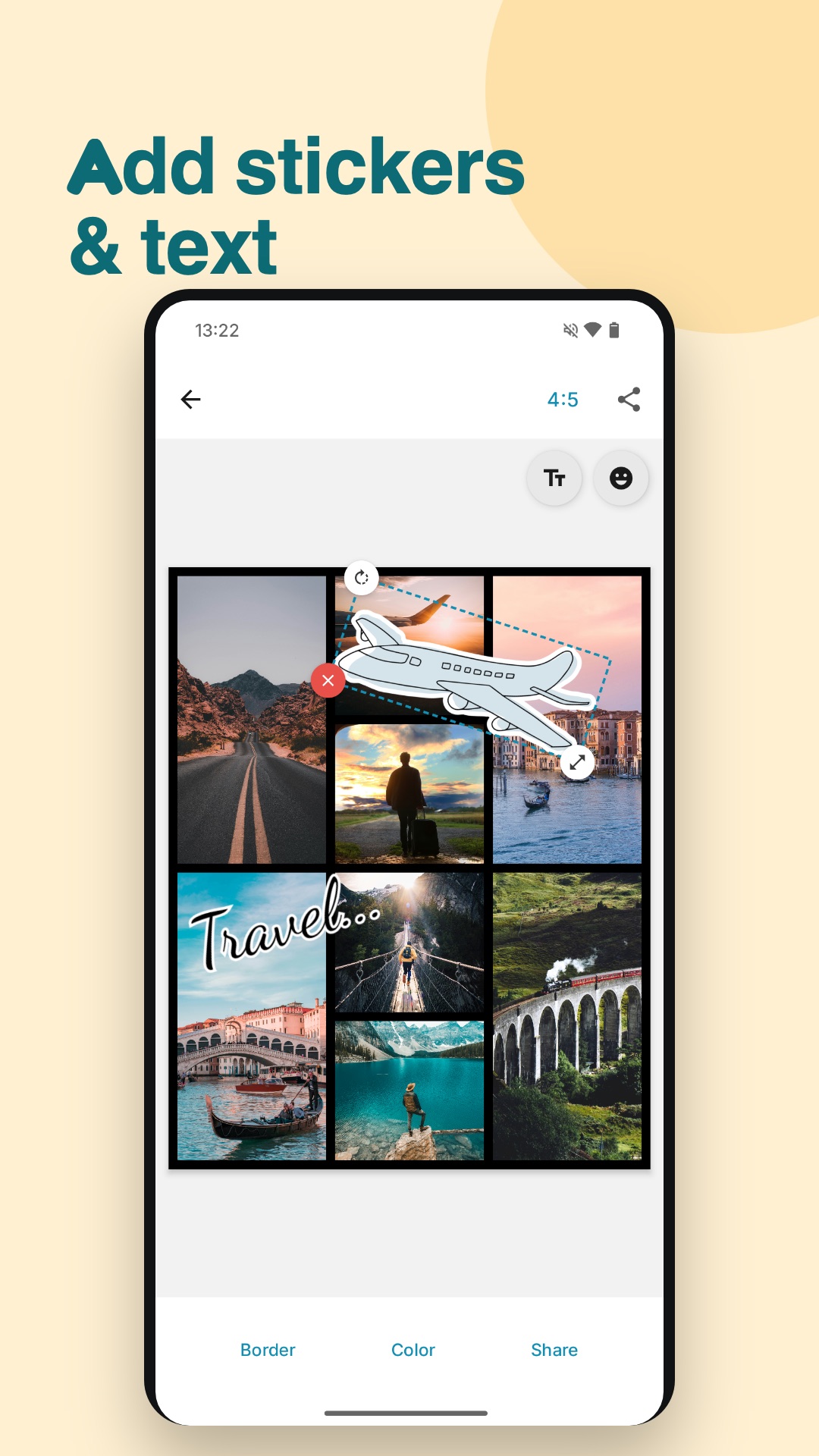
Make it yours
Twenty one-tap filters, photo shapes like circles, hearts and stars, and stickers with a free animal pack to get you started. Text got the most love in this release: the all-new text editor gives you fonts, colors, outlines, label shapes and speech-bubble tails, with a live preview while you type.
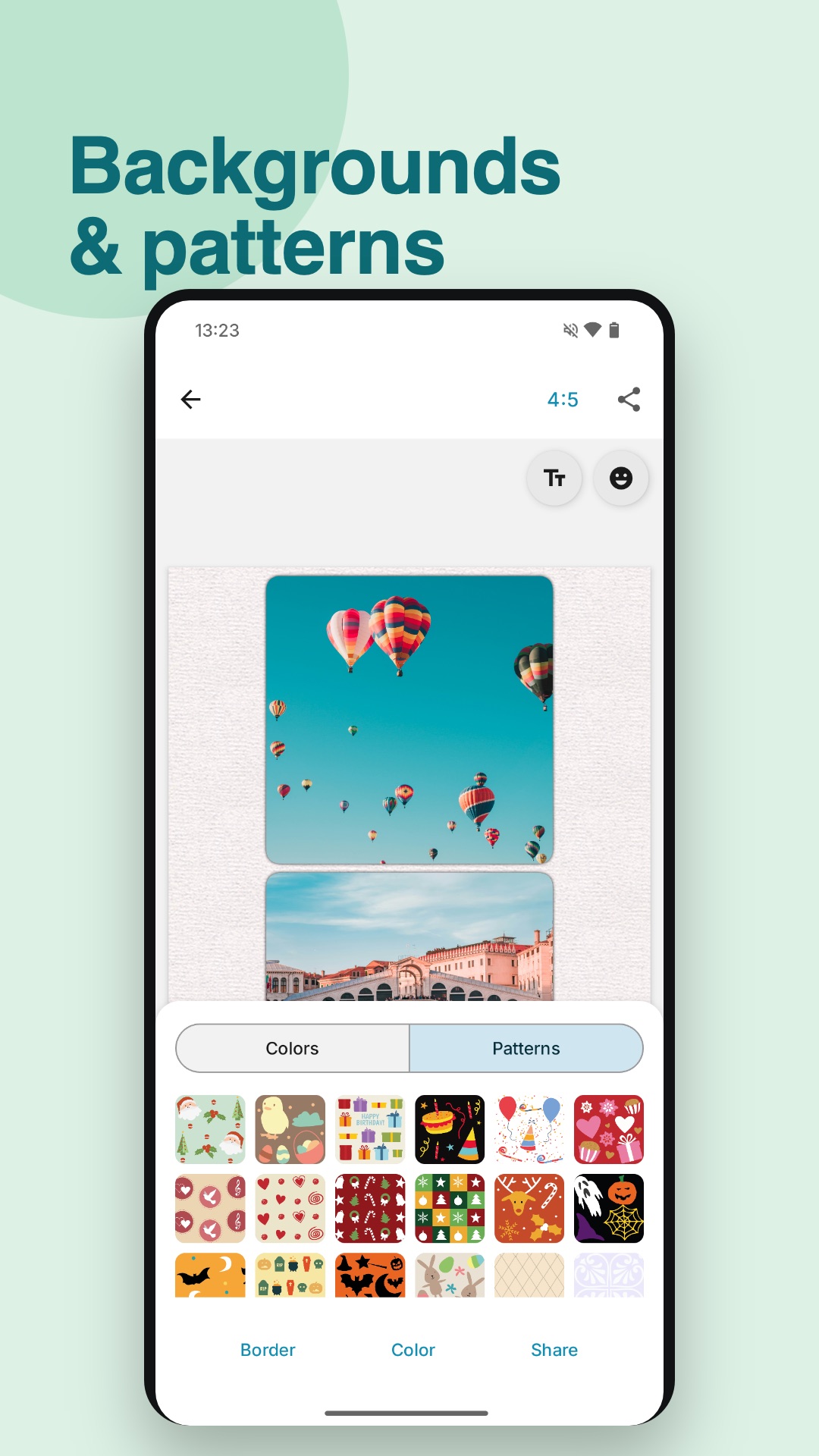
Finish it off with borders, rounded corners, shadows and over 60 background patterns.
Share it anywhere
Export in any aspect ratio, from square to 16:9 to Story, at high resolution that holds up in print. Share straight to Instagram or any app on your phone.
Free to download
Everything above is free to try. A subscription, or a one-time lifetime purchase, unlocks every layout and sticker pack and removes the watermark.
Bought the original PicFrame for Android?
Thank you. If you paid for PicFrame back when it was a paid app, your purchase is remembered: your exports stay watermark-free, forever.
Available now
Go frame something.